Splitting a PDF sounds like a five-second task, and mechanically it is. In five-plus years of building document-processing pipelines, though, I've seen the same avoidable mistakes cause real problems: someone extracts the wrong page range from a client contract, or splits a report without realizing the internal hyperlinks now point at nothing. The split itself takes seconds. Knowing what to check before and after is what separates a clean result from a messy one.
This guide covers how to split a PDF for free using a browser-based tool, what actually happens to the file structure during a split, and — because no single tool is right for every job — when to reach for something else entirely.
What Actually Happens When You Split a PDF
A PDF is a container holding page objects (text, images, vector graphics), a cross-reference table that maps everything together, and document metadata (title, author, creation date). According to the ISO 32000 PDF specification, splitting extracts the page objects for your selected range, builds a new cross-reference table for just those pages, and packages them into a standalone file.
Four practical consequences follow, and I confirmed each one directly using the sample report linked below:
- The original file is never touched. It stays exactly as it was on your device; the split output is a separate file.
- Embedded fonts and images carry over, so formatting is preserved in the new file.
- Internal hyperlinks can break. In the sample report used for this guide, the appendix (page 13) contains a link back to the executive summary (page 3). Extracting only pages 8–12 — the financial summary — leaves that link pointing at a page that no longer exists in the new file.
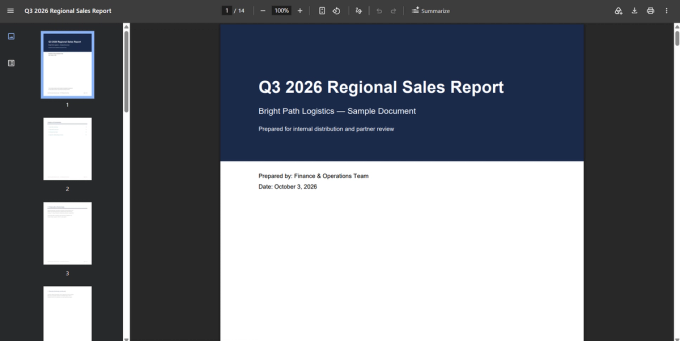
- Metadata is typically inherited. The sample file's title ("Q3 2026 Regional Sales Report") and author field carry straight through to the extracted file, even though the new file is only five pages of financial data — worth knowing if you're redistributing a section externally.
How to Split a PDF (Free, No Account Required)
Step 1: Open the Split Tool
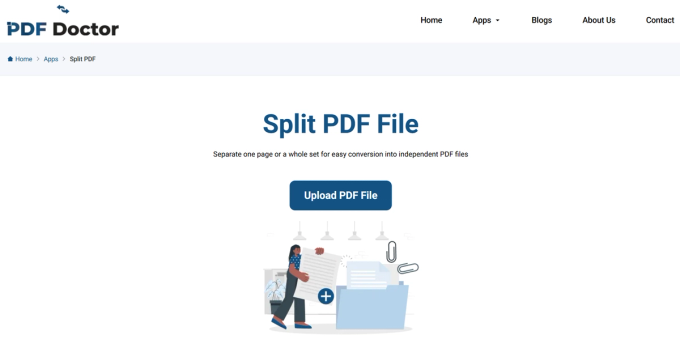
Go to the split PDF tool. The page loads a single upload area and a page-range selector — no sign-up, no payment, no software to install. It works in Chrome, Firefox, Safari, and Edge, on desktop and mobile.
Step 2: Upload Your File
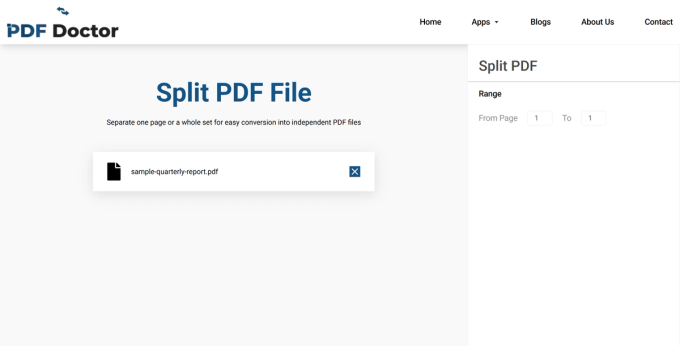
Click Upload PDF and select your file. Before proceeding, confirm you've grabbed the right file. When you're juggling draft, final, and signed versions of the same document, it's an easy mistake to make — I've done it myself more than once.
Step 3: Select Your Page Range
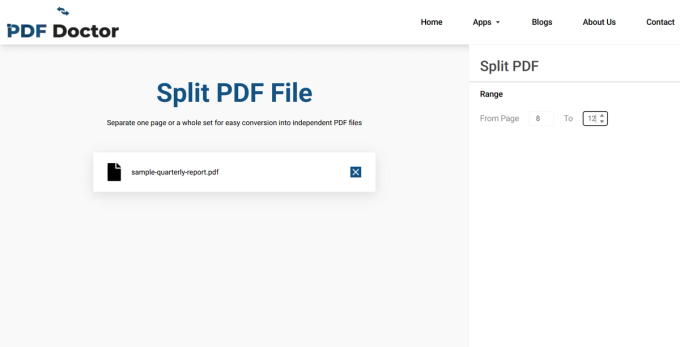
To isolate the financial summary in the sample file, enter pages 8–12.
Be precise here. The most common support question about the split tool is some version of "my output is missing a page" — almost always an off-by-one range. If you need pages 8 through 12, double-check you've entered exactly that, not 8–11 or 9–12. Use the document's table of contents as your reference for page numbers rather than guessing; the sample file's TOC on page 2 links directly to each section for this reason.
Step 4: Split the File
Click Split PDF. For a standard-sized document like the 14-page sample, this completes in a few seconds.
Step 5: Download — and Verify
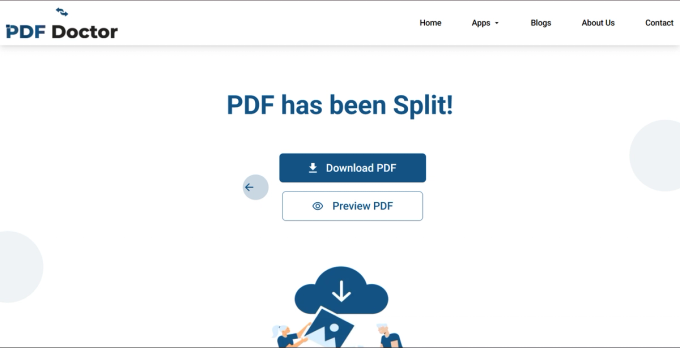
Click Download, then open the file before sending it anywhere. Check three things:
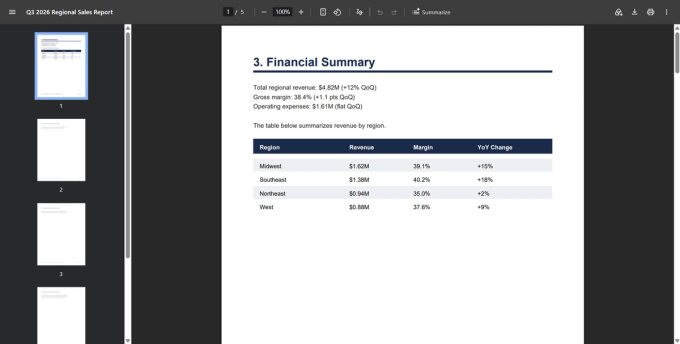
- Page count and boundaries. The output should be exactly 5 pages, starting with "3. Financial Summary" and ending mid-appendix content on the original page 12.
- Formatting. The revenue table and section headers should render identically to the source.
- Internal links. This is where the sample file demonstrates the issue directly — the extracted pages reference "see Executive Summary, page 3" in the text, but that page no longer exists in the new file. In the original document, page 13 also links back to page 3; that link is gone entirely since page 13 isn't part of this extraction.
Open the file properties in a PDF viewer after downloading, and you'll also see the title still reads "Q3 2026 Regional Sales Report" and the author field still shows "Bright Path Logistics Finance Team" — confirming metadata carried over from the source, exactly as described above.
.
This review step takes under a minute. Skipping it is how incomplete or broken files end up in someone's inbox.
A Note on Privacy
Uploaded files are automatically deleted from PDF Doctor's servers after processing — see the Privacy Policy for the full data-handling terms. If you're working with material under regulatory compliance requirements — legal filings, medical records — and your organization requires files to never leave your local machine, a desktop tool that processes entirely offline is the safer choice for that specific case. For everyday splitting tasks, browser-based processing is a practical and secure option.
When Splitting Is the Right Move
- Extracting a section to share — a colleague needs only the financial summary from a 14-page report, not the whole document.
- Removing unnecessary pages — dropping cover sheets, blank pages, or boilerplate before distributing.
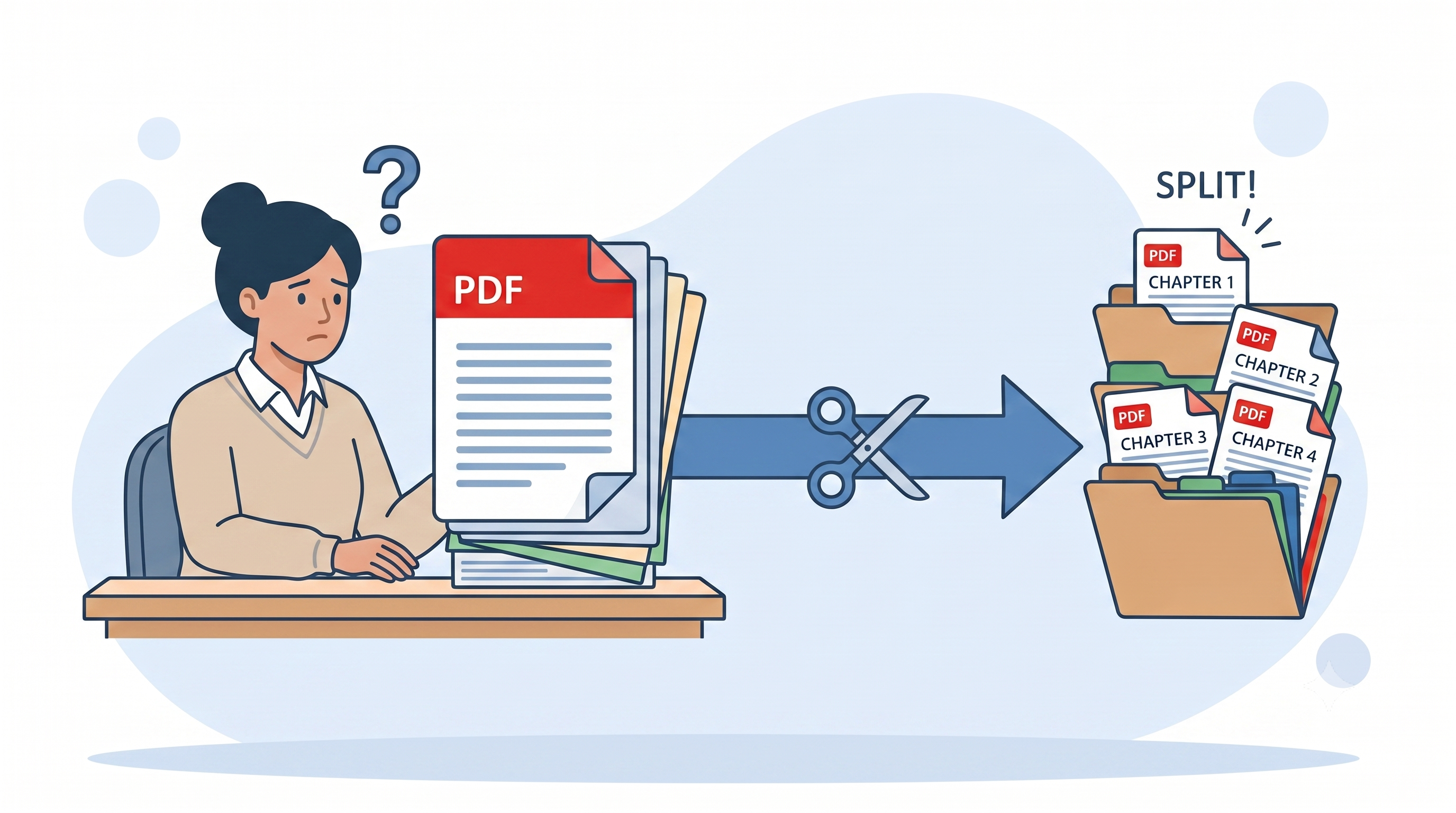
- Breaking a long document into sections — chapter-level files are easier to find, email, and archive than one monolithic PDF.
- Isolating a single form from a bundled government or institutional PDF.
- Reducing file size to fit an email or upload-portal limit.
When Splitting Is Not What You Need
- Combining files, not separating one — that's a merge. Quick test: are you starting with one file or several? One file becoming smaller pieces is a split; several files becoming one is a merge.
- Reordering pages — a split extracts a range in its existing order. Pulling pages 5, 2, 8, and 11 into a specific new sequence needs a PDF editor with reordering, not a split tool.
- Editing page content — a split separates pages; it doesn't change what's on them.
What This Tool Does Well — and Where It Has Limits
Built for: extracting a continuous page range from a PDF, in a browser, with no setup. If you need pages 8–12 as a standalone file, this handles it in seconds — as the walkthrough above demonstrates.
A few situations call for a different approach:
- Non-continuous pages (e.g., pages 3, 7, and 12 as a single file) — this tool works on a continuous range, so pull each page separately and combine the results afterward.
- Splitting by chapter or topic rather than a fixed page range — if your document has clear chapter or section breaks, our Split by Chapters tool handles that directly, detecting section boundaries instead of requiring you to know exact page numbers.
- Reassembling extracted sections into a new combined file — use our Merge PDF tool once you've pulled the pieces you need.
- Rotating pages before or after splitting — the Rotate PDF tool handles that in the same browser workflow.
For everyday page-range extraction — which covers the large majority of splitting tasks — the workflow in this guide is the fastest path from a full document to exactly the pages you need.
Common Splitting Mistakes
- Off-by-one page ranges — the single most frequent issue. Verify boundary pages against the source before splitting.
- Splitting a scanned PDF without OCR — a scanned source produces a non-searchable image file after splitting. Run the document through an OCR tool first if the recipient needs to search, copy, or select text in the result.
- Not checking for broken internal links — demonstrated directly above using the sample file's cross-references.
- Forgetting metadata carries over — also demonstrated above; update file properties before distributing externally if needed.
- Splitting when merging was the right call — happens more often than you'd expect. Confirm your end goal before choosing the operation.
Wrapping Up
Splitting a PDF is a small task that goes wrong in predictable ways — off-by-one ranges, broken links, unchecked metadata. The habits that prevent problems take barely longer than the split itself: verify your page range, check the output, keep your original.
The tool used in this guide is available at pdfsdoctor.com/split-pdf